Boosting Unreal Tournament 4 Pre-Alpha to run beautifully above 45 FPS on an iMac 5k with macOS
All the settings you’ll need to run UT4 Pre-Alpha above 45 frames per second & still having a beautiful visual look while visiting distant worlds.

Articles with practical solutions to common tech problems, from software issues to hardware fixes and more.

All the settings you’ll need to run UT4 Pre-Alpha above 45 frames per second & still having a beautiful visual look while visiting distant worlds.

Nothing more pleasing, than running Serious Sam 3 on 60 frames per second & still having a beautiful visual look while travelling the virtual worlds.
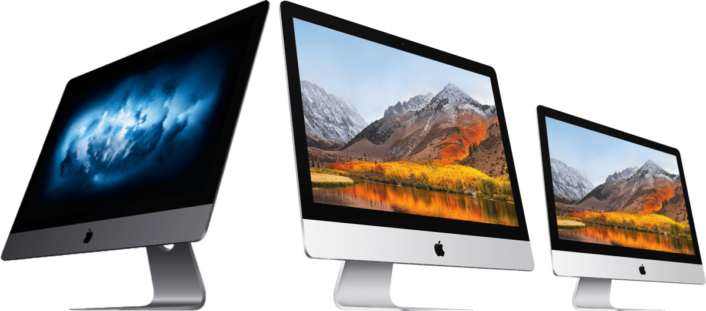
This guide – adapted from my own evaluation and decision making process – should cover the most important facts, figures & thoughts you may go through when looking into buying a new Apple iMac (or any other Apple Mac models).
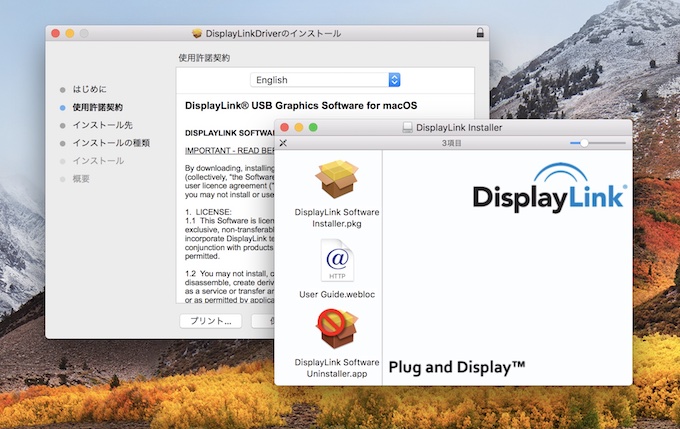
Attention: the recent macOS High Sierra update to version 10.13.4 will break the DisplaLink driver version 4.1 and cause any connected displays to go blank after the OS upgrade!
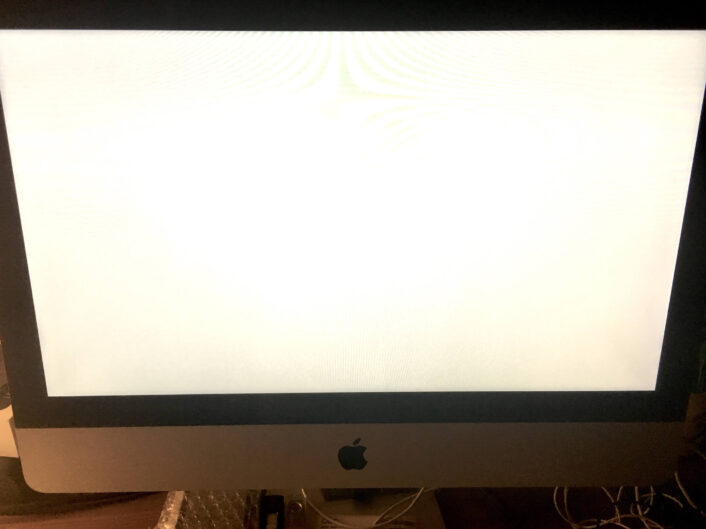
Is your Mac stuck in the infamous gray screen of death, after upgrading the OS? Here’s a solution to reboot properly again.
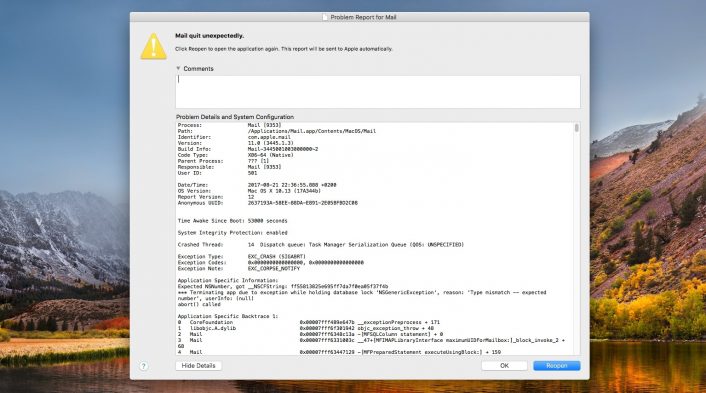
I was able to fix my Mail.app crashing continuously in macOS High Sierra by rebuilding Mail’s Envelope Index files.
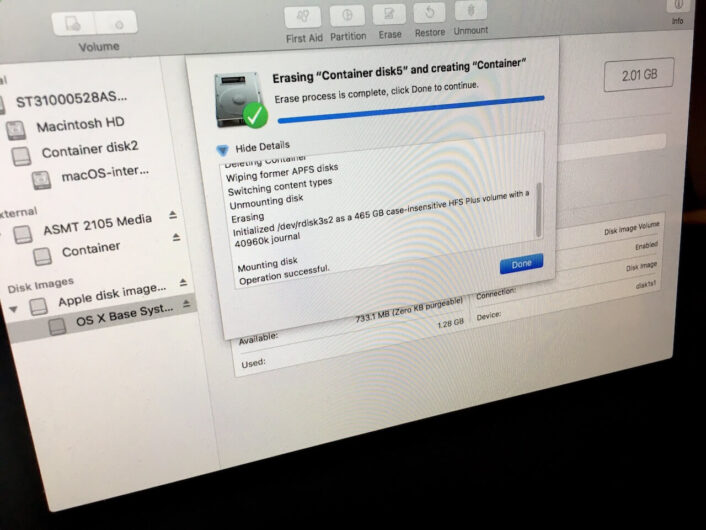
Completely erasing & reformatting a broken APFS volume under macOS High Sierra Beta 4 fixed the “fsroot tree error” – make sure you have an up to date backup before upgrading High Sierra Beta updates.

Just a quick note, as this seems not to be mentioned anywhere so far:
macOS High Sierra beta is booting successfully from an external APFS formatted SSD disk. Read the full story here.
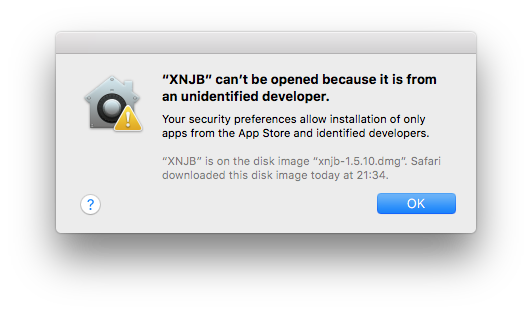
Turns out that Apple has hidden the option to allow launching Apps downloaded from «Anywhere» since macOS Sierra.
Here is a summary how you can restore this feature or whitelist specific single Apps within Gatekeeper – the application responsible for app security in macOS.