Ejecting disk in macOS blocked by «one or more apps using it»? Find that App!
Using the macOS Terminal to list all apps / processes accessing files on a specific volume.

Disk Utility is a macOS application for performing disk-related tasks, from disk repair to partitioning.
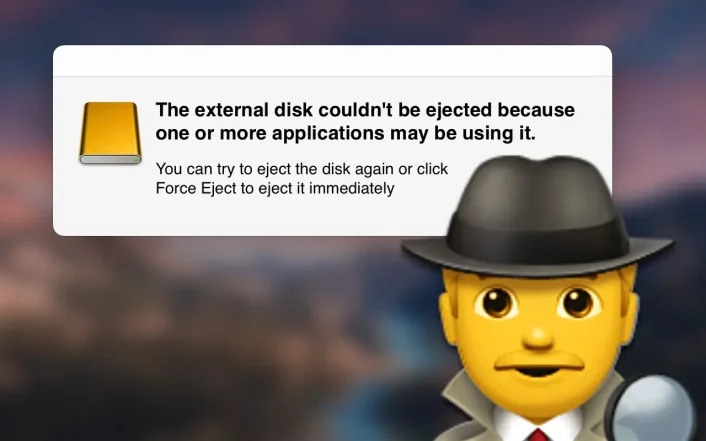
Using the macOS Terminal to list all apps / processes accessing files on a specific volume.
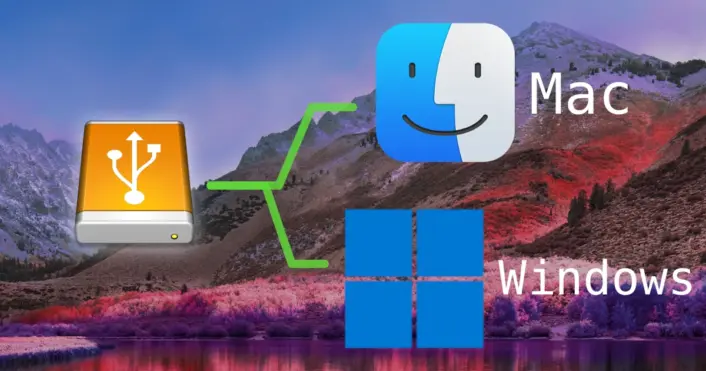
Choose these formatting options in Disk Utility for creating a cross-platform compatible external volume.
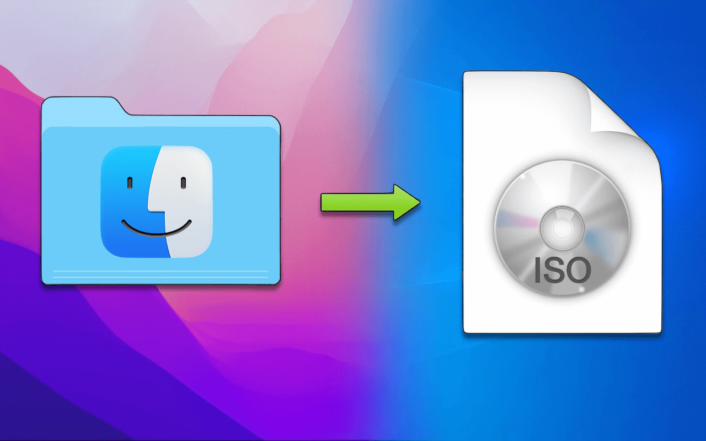
An easy to use solution with the Apple Disk Utility app & a little trick on Windows.
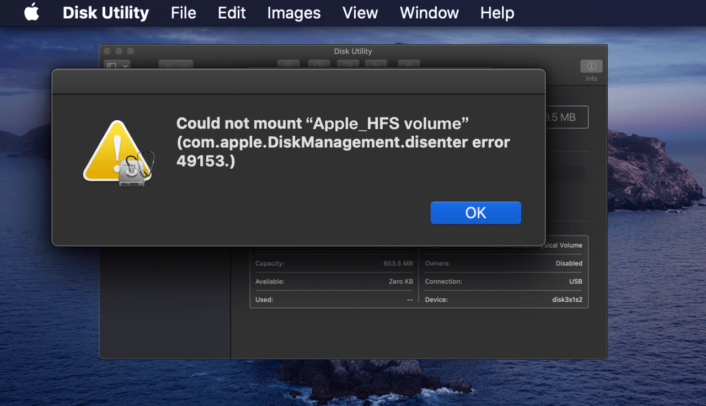
How to still recover data from an unreadable Apple_HFS volume/CD/DVD in macOS Catalina
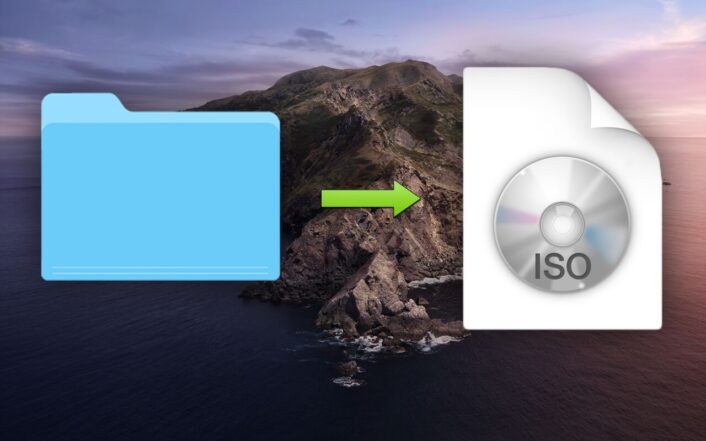
Using the Terminal in macOS Catalina to quickly create an ISO disk image of a CD/DVD or any folder from Finder.

In OS X it is fairly simple to create a virtual disk image of the type “ISO” by using built-in UNIX tools and the Terminal. We are going to use the “dd” UNIX tool to copy a whole CD/DVD into a new ISO disk image file.
It’s still one of the easiest ways to get someone’s data when you get your hands on a USB stick. It’s quite interesting, what you find on these portable drives – whether it’s from a friend or a business contact. There are serveral ways to protect yourself better by encrypting and password locking the drives. Sometimes there’s a preinstalled software on the USB drive available for that – but mostly not. I have a short how-to here showing how you can achieve this really easy using standard tools on your Mac!